
Publisher · Video library
Watch Publisher work.
Six demos, twelve walkthroughs.
Short demos of the content engine from research to results, and step-by-step training from setting a workspace up to measuring what worked. Every video has chapters, so you can jump straight to the part you need.








Your role
Show me what matters to my job.
Pick a role and the player and the library below show only the videos for that job. Pick it again, or choose Show every video, to see everything.
 Demo 01 · 2:20
Now playing
Demo 01 · 2:20 · 8 chapters
Publisher in two minutes
The whole product in one pass: the autopilot sweep, the Inbox, and the seven-stage loop from Research to Measure, with real screens of every stage.
One loop from research to results, mostly on its own — your job is decisions, not production.
18 videos
Demos
Six short tours of the content engine, about two minutes each. Start with the first.
 2:20Now playingDemo 01Publisher in two minutesThe whole product in one pass: the autopilot sweep, the Inbox, and the seven-stage loop from Research to Measure, with real screens of every stage.8 chapters · For every role
 1:55Now playingDemo 02Five minutes a dayWhat tending Publisher actually looks like: the morning digest, working the Inbox top to bottom, Engage's 24-hour rule, and the assistant that proposes before it acts.6 chapters · For Owners, Editors, Social
 2:03Now playingDemo 03From idea to published articleOne article end to end: an idea the engine found, the approval that lets it be drafted, the SEO and images that arrive filled in, the checklist of gates, and publishing with or without WordPress.6 chapters · For Owners, Editors
 2:02Now playingDemo 04Gates that review as well as blockHow Publisher earns trust: seven required checks before anything goes live, claims sourced by live search and an independent judge, every AI image inspected, and never an invented number.6 chapters · For Editors, Admins, Leads
 2:16Now playingDemo 05Social on a schedule you set onceSocial on a schedule you set once: fifteen networks through one connection, per-network overrides, wall-clock posting slots, the calendar, campaigns, evergreen recycling and server-enforced approval.5 chapters · For Owners, Social
 2:10Now playingDemo 06Dials and dashboardsGovernance and results: four function modes, the full-autonomy switch that remembers your dials, global pause, roles and sealed workspaces, the audit log, and measured numbers only.5 chapters · For Owners, Admins, Leads
Training clips
Twelve walkthroughs, from an empty workspace to measured results.
01Getting started 3 videos
 3:28Now playingTraining 01 · Getting startedGetting orientedFirst-day orientation: the mental model, the left rail top to bottom, the Inbox, the stage strip and its badges, Elsie's tours, the Help Center, and Ask.8 chapters · For every role
 3:06Now playingTraining 02 · Getting startedSetting a workspace upSetting a workspace up in order: AI keys and the default model, live search, images and vision, Connections, Analytics, the clock, the gates, the dials, and inviting the team.7 chapters · For Owners, Admins, Leads
 3:22Now playingTraining 03 · Getting startedVoice, brand and TopicsTeaching it your voice: the seven Motifs, the brand kit and asset policy, brand context that is never AI-written, Experts, and Topics as the one tag that spans every surface.7 chapters · For Owners, Editors, Admins, Leads
02The loop, stage by stage 5 videos
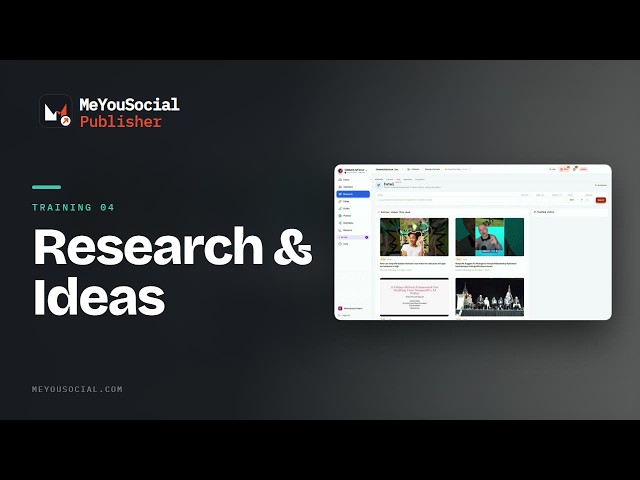 2:56Now playingTraining 04 · The loop, stage by stageResearch and the Ideas boardIntel and the outlier score, channels and competitors, Make it an idea, the Ideas board and its lanes, the weekly triage, and the keyword strategy behind priorities.7 chapters · For Owners, Editors
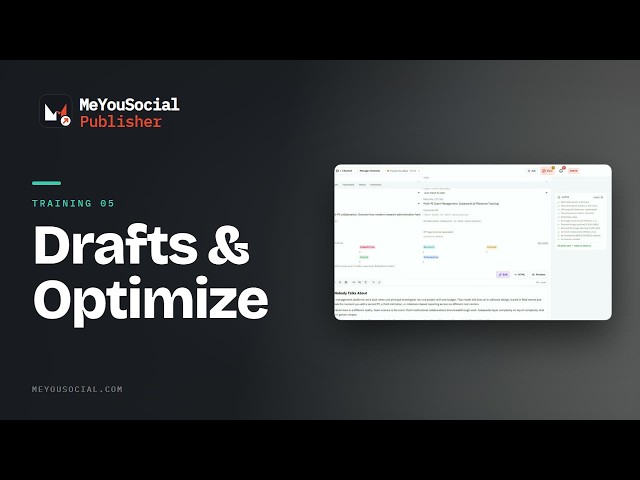 2:35Now playingTraining 05 · The loop, stage by stageReading a draft, and OptimizeReading a draft: the board's stages, the editor's five tabs, SEO and images, the Gates sidebar, and Optimize's mechanical, knowledge and strategic findings.6 chapters · For Editors
 2:45Now playingTraining 06 · The loop, stage by stageClearing the gatesClearing every kind of hold from the Inbox: questions, unsourced claims, held images, held articles and Advance anyway, Approvals and Audit, and why every clearing act moves the article at once.7 chapters · For Owners, Editors, Admins
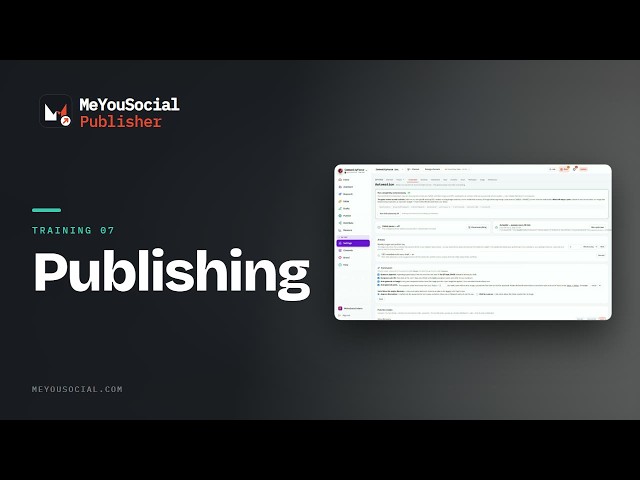 2:18Now playingTraining 07 · The loop, stage by stagePublishingPublishing: the Publish page, publish day versus a set date versus now, WordPress, the Download HTML and Mark as published path, and why an article might never publish.6 chapters · For Owners, Admins
 2:36Now playingTraining 08 · The loop, stage by stageComposing and scheduling social postsComposing and scheduling social: the composer and per-network overrides, Queue, Schedule and Post now, slots and timezone, the calendar, campaigns and evergreen.6 chapters · For Owners, Social
03Running it 4 videos
 2:30Now playingTraining 09 · Running itApprovals and EngageThe approval workflow enforced on the server, the Approvals tab, queue on approval, Engage and the 24-hour DM window, and account health and failed sends.6 chapters · For Social, Admins, Leads
 2:52Now playingTraining 10 · Running itThe autonomy dialsThe autonomy dials: manual, assisted and auto per function, targets and cadence, full autonomy, global pause and Run cycle now, the social idea gate, and why nothing is being drafted.7 chapters · For Owners, Admins, Leads
 2:47Now playingTraining 11 · Running itMeasuring resultsMeasuring results: connecting Search Console and GA4, Search and Traffic, Social performance and best time to post, the ten stock Reports, Insights, and why a dash is never a zero.6 chapters · For Owners, Social, Admins, Leads
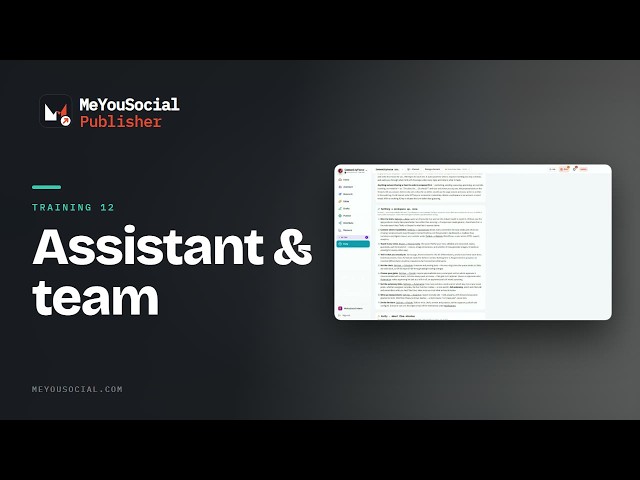 3:39Now playingTraining 12 · Running itThe assistant, the team, and troubleshootingWorking with the assistant and running the workspace: Ask and proposals, roles and People, workspaces and branding, the digest and the audit log, and the seven things to check when something looks wrong.6 chapters · For every role
No videos match that. Try a shorter word, or clear the search.
Publisher is included in every membership.
So is everything the community asks for next. Members post the problem, a steward decides in public within ten business days, and the changelog names who asked.
Next: Velocity videos
35 videos, 1 h 7 min of demos and walkthroughs of the revenue platform.